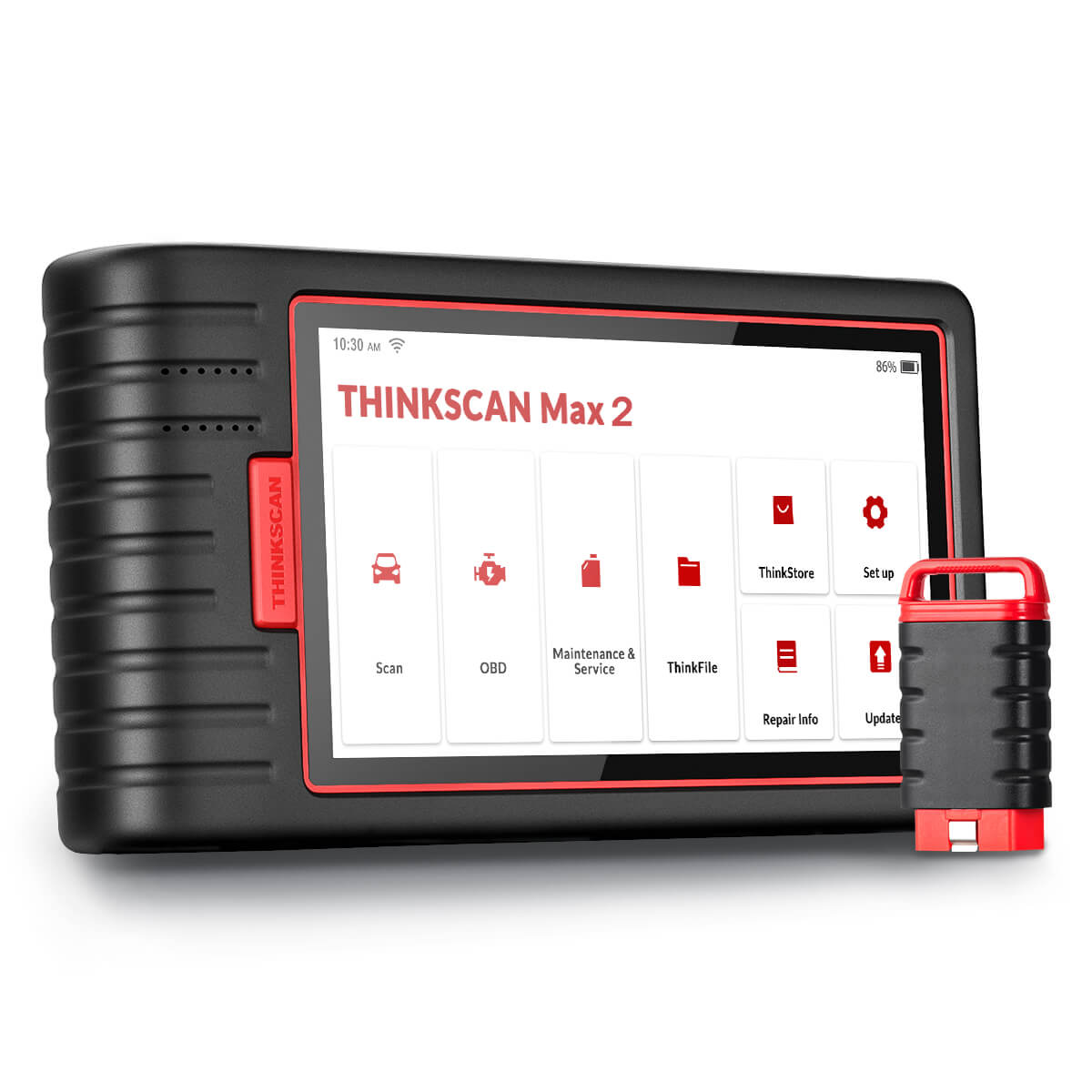
ThinkScan Max 2 delivers tablet-level diagnostics without the price shock. You’re getting full-system scanning, CAN-FD compatibility, bi-directional testing, ECU coding, and 28+ maintenance functions, packed into a compact 5.99-inch Android 10 diagnostic tablet built for workshops and serious DIY techs.
If you need something tougher and smarter than a basic handheld, but don’t want to shell out for a five-figure OE machine, Max 2 hits the sweet spot. It’s built for rapid fault-finding, accurate system testing, professional reporting, and modern vehicle support, including 2020+ GM CAN-FD platforms.
Perfect for workshops, mobile mechanics, tuners, and anyone upgrading from an entry-level scanner.
Key Features
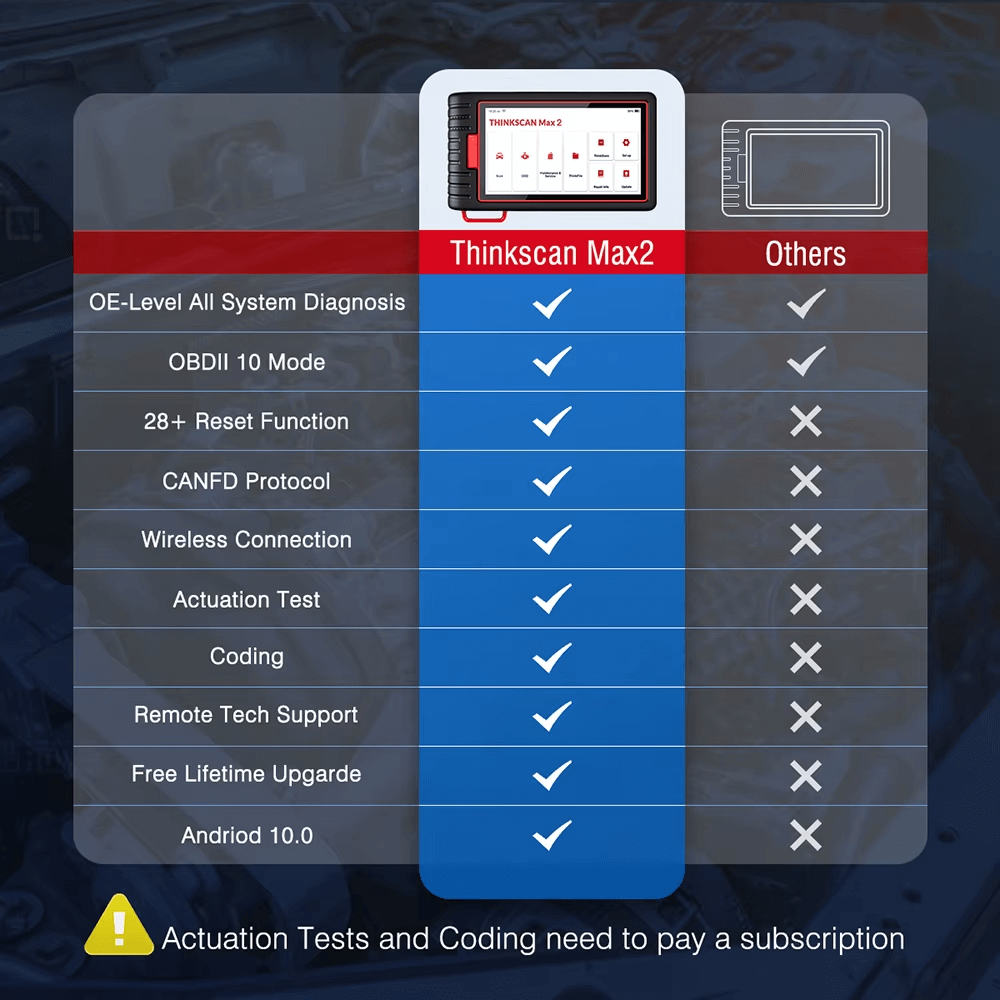
Full-System Diagnostics Covers engine, transmission, ABS, airbag, TPMS, BMS, A/C, SAS, EPB, immobilizer, gateway, central locking, fuel system, steering, body modules, rain sensors and more.
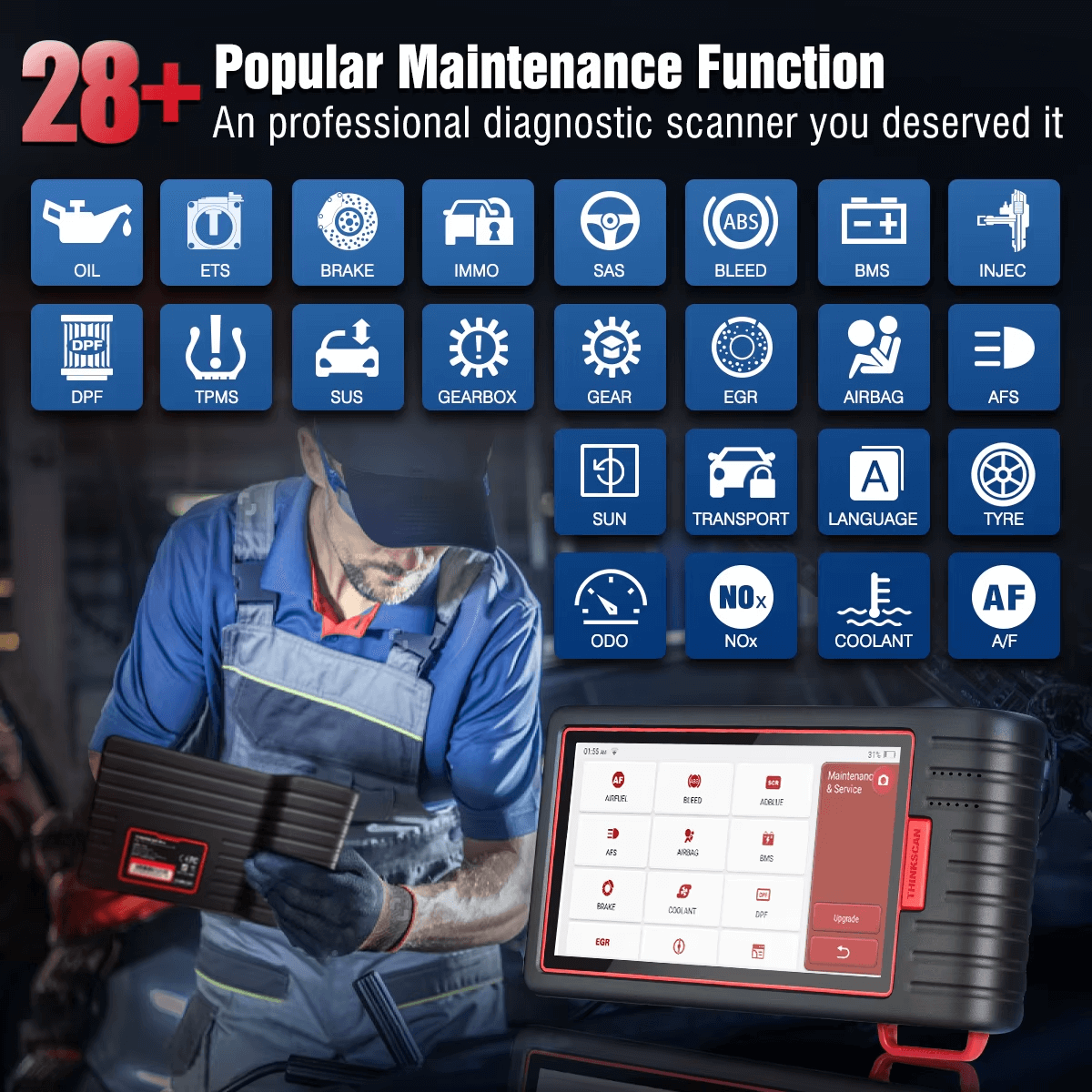
28+ Reset & Service Functions Handles the jobs workshops deal with daily—oil, ETS, IMMO, DPF, brake, TPMS, suspension, injectors, BMS, airbag resets, EGR, gearbox, headlamp, NOx, coolant, A/F, tyre and more.
Bi-Directional Control (Active Tests) Trigger components on command: windows, mirrors, wipers, fuel pumps, fans, solenoids, actuators, headlights, sunroof and more. Essential for proper fault isolation.
ECU Coding Supports online and offline coding for customisation, module replacement, feature activation and adaptive data reset (brand-dependent).
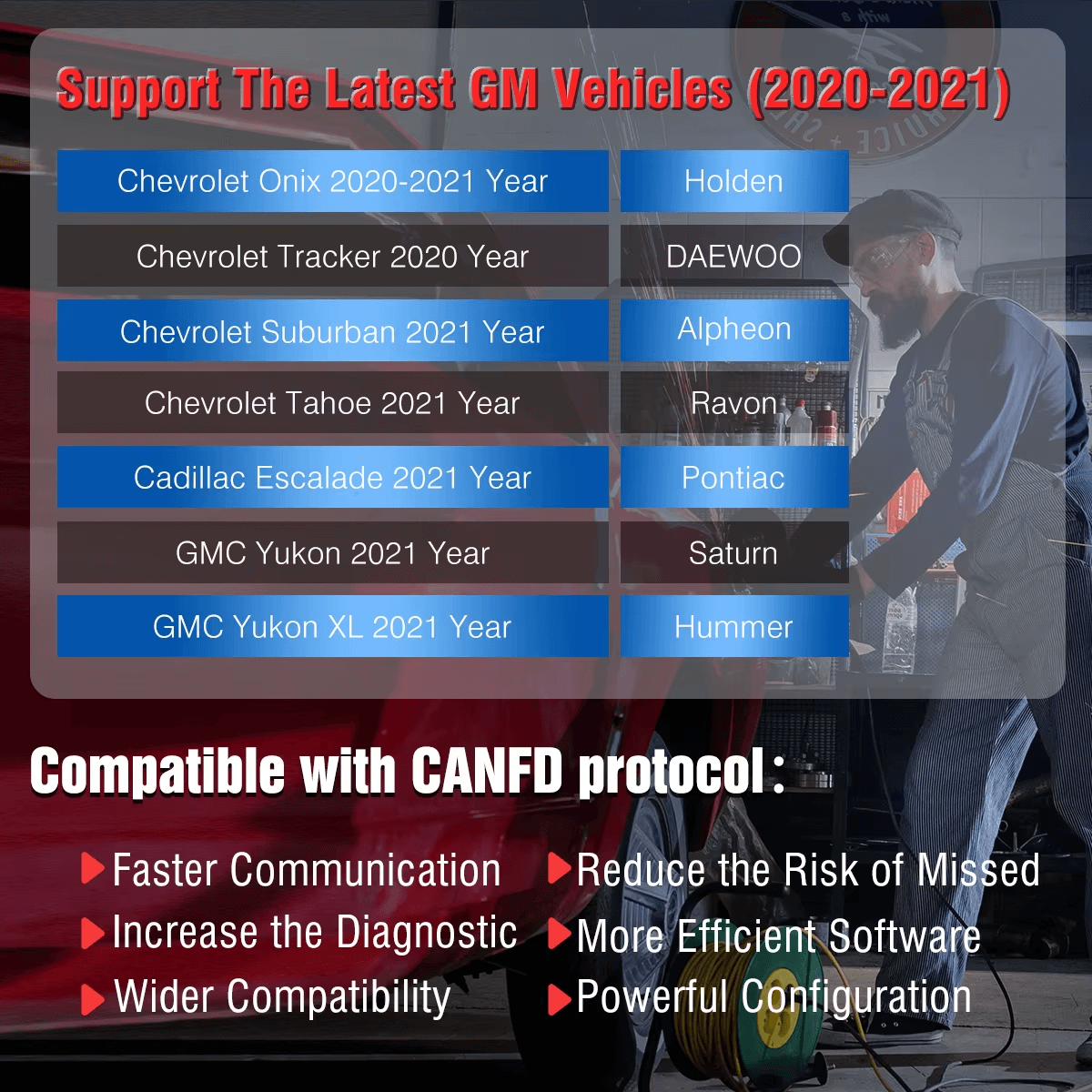
CAN-FD Support for Modern Vehicles Faster communication, wider coverage and required for 2020+ GM vehicles. No adapters needed.
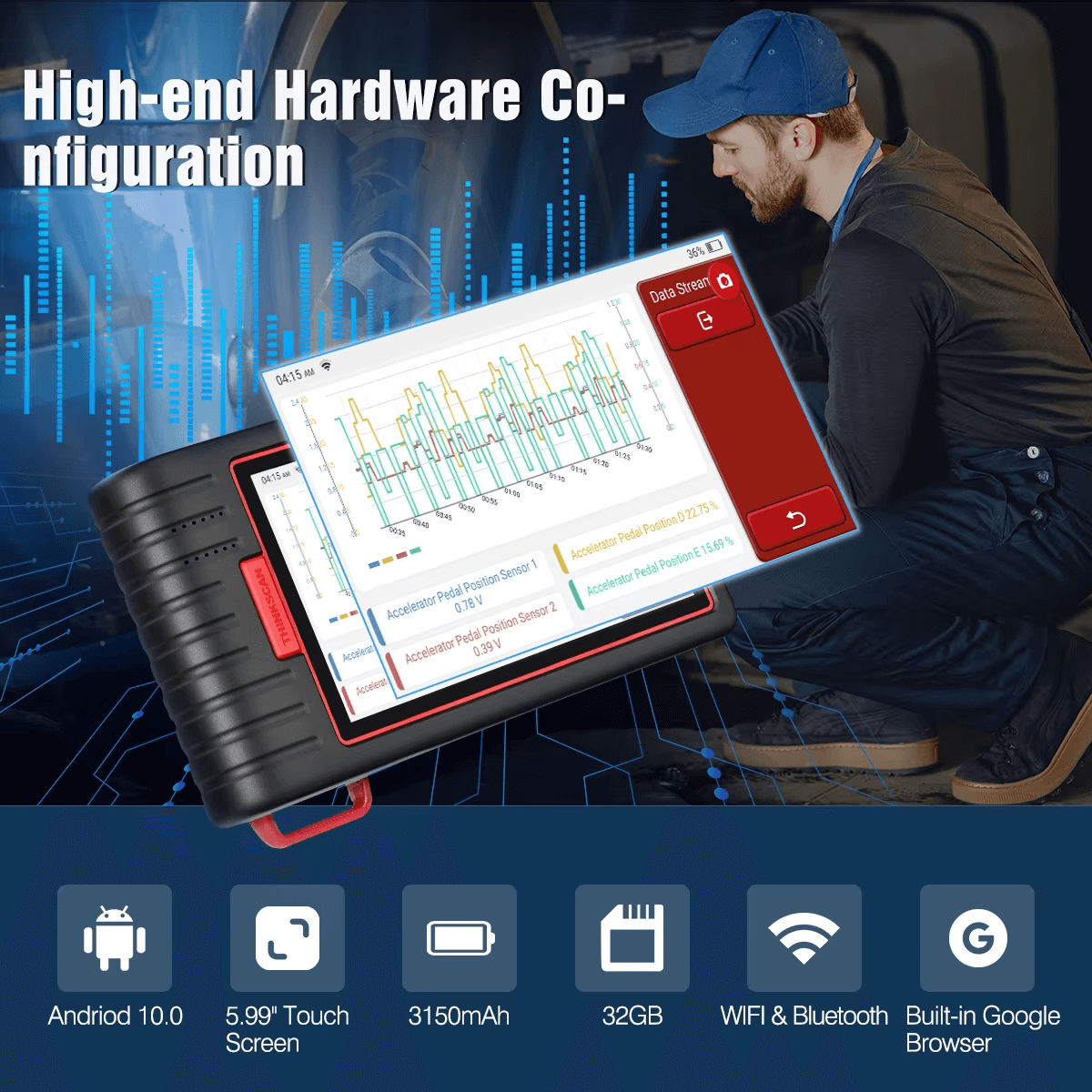
Android 10 Diagnostic Tablet 5.99” touchscreen, 32GB storage, 3150mAh battery, Wi-Fi + Bluetooth, built-in Google browser, remote support capabilities.
OBD2 Full Mode Support Covers all 10 standard OBDII test modes: live data, freeze frame, EVAP test, O2 tests, I/M readiness, monitor tests, VIN decoding and more.
One-Touch Auto-VIN Instantly identifies vehicle details and pulls up all relevant systems automatically.
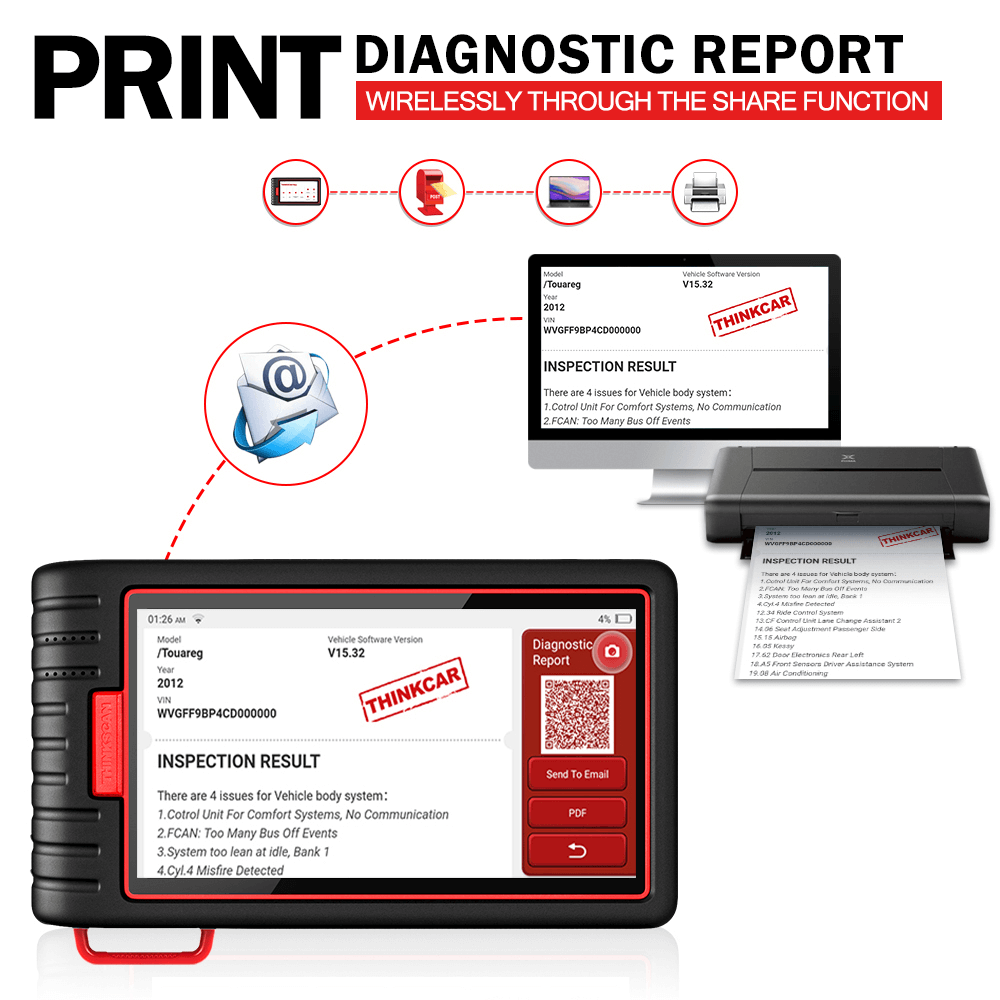
Professional Health Reports Generate, save, print, share and export reports via Wi-Fi, email or QR code.
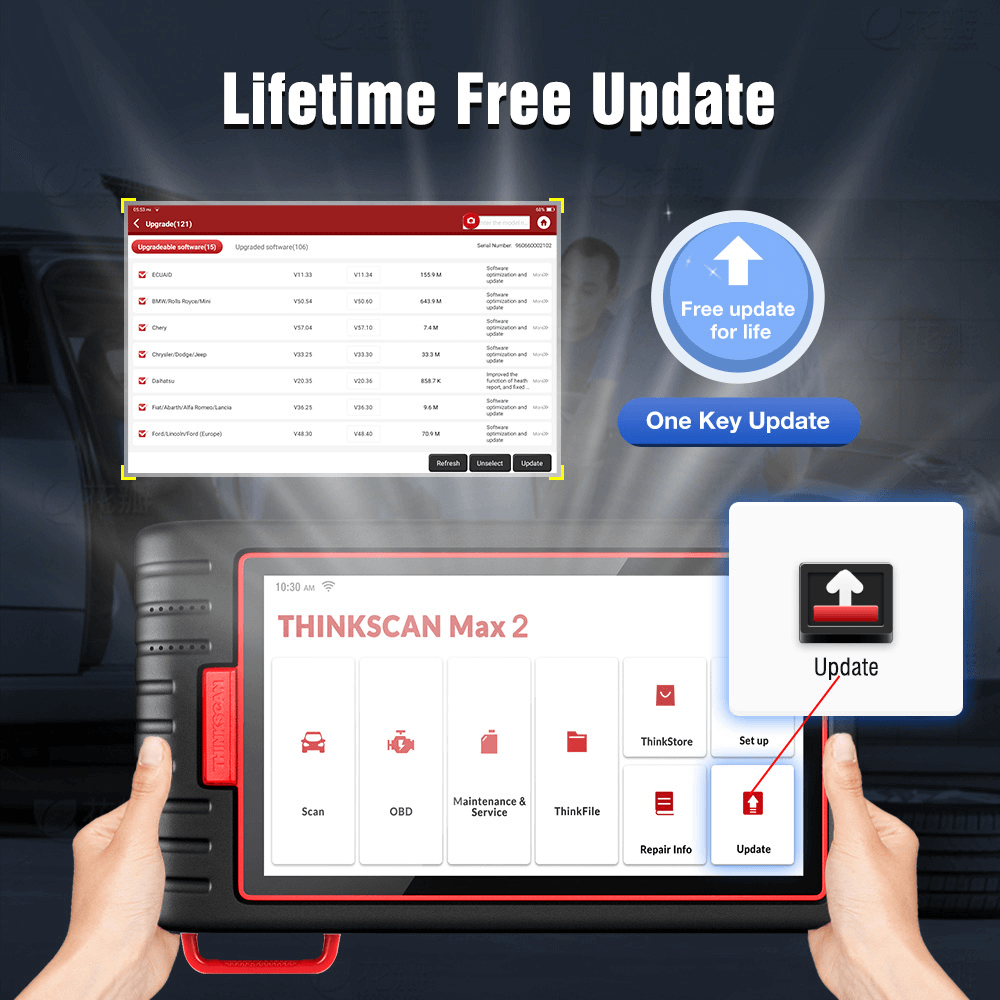
Lifetime Free Software Updates Free updates for life—no subscription required for full-system diagnostics or reset functions.
Technical Specifications
Hardware (Tablet)
Operating System: Android 10 Screen Size: 5.99 inches Resolution: 720 × 1440 Battery: 3150mAh Storage: 32GB Connectivity: Wi-Fi + Bluetooth Power: 5V (charging) Working Temperature: -10°C to 50°C Storage Temperature: -20°C to 60°C
VCI Module
Working Voltage: 12V Working Current: ≤60mA Working Temperature: -10°C to 50°C Storage Temperature: -20°C to 60°C Communication: Bluetooth / Wi-Fi Protocol Support: CAN-FD, CAN, ISO, KWP2000, UDS, SAE J1850
Diagnostic Capabilities
Full-System Support
Reads and manages: ECM, TCM, ABS, SRS, TPMS, BMS, EPB, SAS, HVAC, AFS, IMMO, suspension, doors, windows, steering, rain sensors, body control, fuel system, gateway, power modules and more.
OBDII Functions
Read & clear codes Live data (graphing + 4-in-1 combined graph) Freeze frame I/M readiness EVAP test O2 sensor test On-board monitor test Component test Vehicle information (VIN, CID, CVN) Report & print
Reset & Service Functions (28+)
Oil Reset ETS Reset Brake Reset IMMO Reset SAS Reset ABS Bleeding BMS Reset Injector Coding DPF Regeneration TPMS Reset Suspension Reset Gear Learning Gearbox Calibration EGR Reset Airbag Reset Headlamp / AFS Reset Sunroof Initialization Transport Mode Language Reset Tyre Reset Odometer Reset (supported models only) NOx Sensor Reset Coolant Bleed A/F Reset And more depending on vehicle brand
Advanced Features
Bi-Directional Tests ECU Coding Remote Diagnose Quick Check & Fast Printing Lifetime Free Updates DTC Library Online Feedback & Support Auto-Auth (FCA) support Coverage for 120+ brands
Compatibility
Vehicle Fitment: Universal (1996+ OBDII compliant) Supports: Petrol & diesel Supports CAN-FD: Yes OS Support: Independent tablet (no phone required)
Special note: Max 2 supports late-model GM (2020–2025) including: Chevrolet Onix, Tracker, Suburban, Tahoe Cadillac Escalade GMC Yukon, Yukon XL Holden Daewoo Hummer Pontiac Saturn
Workshops needing a fast, modern all-in-one tablet tool
Mobile mechanics who require portability + active tests
Tuners activating features via ECU coding
Fleet operators monitoring multiple vehicles
DIY owners wanting a serious upgrade from basic scanners
Installation / Setup
Power on the tablet.
Plug VCI into the vehicle’s OBD2 port.
Pair via Bluetooth or Wi-Fi.
Open ThinkDiag Max software.
Allow Auto-VIN to detect your vehicle.
Start scanning.
Connectivity & App Requirements
Connection: Wi-Fi / Bluetooth Cloud functions: Remote diagnostics + report upload Supports: Online updates, online feedback, cloud data sync
What’s in the Box
ThinkScan Max 2 Host Tablet ThinkTool VCI Charging Cable Power Adapter Carry Bag User Manual
Online Version Disclaimer
This is an online-version device.
It does not carry the same warranty, guarantees, or software support as the official South African dealer models. Once the device is registered or activated, it cannot be returned, refunded, reset, or exchanged.
The 7-day return policy only applies to units that are unopened, unused, and unregistered in their original packaging.
If you need full local warranty, dealer support, or SA-market software coverage, please purchase the official dealer version or speak to your sales consultant for guidance.
Weight
1.55 kg
Dimensions
27.2 × 10.2 × 18.5 cm
Category ID
cdi
Sales Rep
salesrep2
Scroll to Top
Buy Now Pay Later Options
Not Sure How To Use These Options?
Apply on Payment Option’s Website (Example: payflex)
Add Product to your Cart
On Checkout Choose Peach Payments
Other Payment Options
Place Order Now
This will open another window, choose your preferred payment partner
R409.75 x 36 payments
Sunlyn offer customers the option to finance purchases of diagnostic machines, over a period of 36-60 months.
*Estimated Price Only